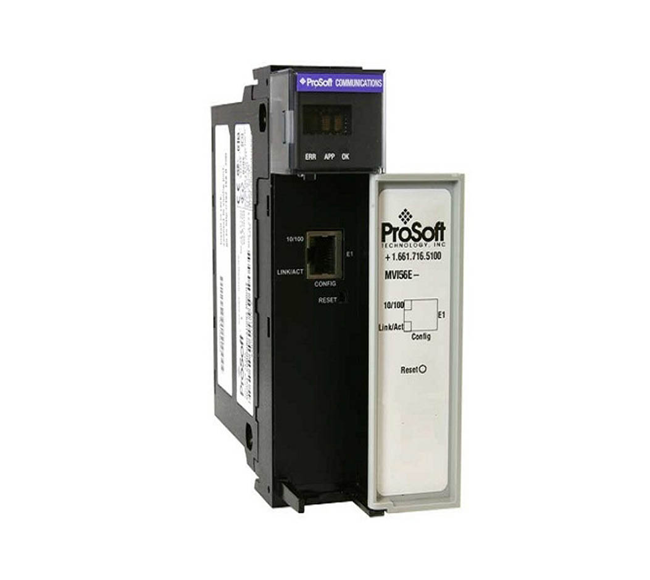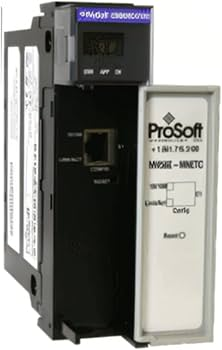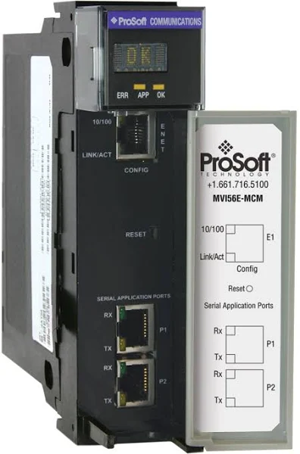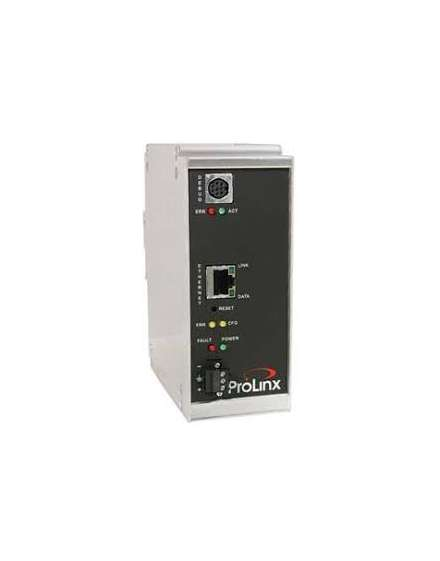

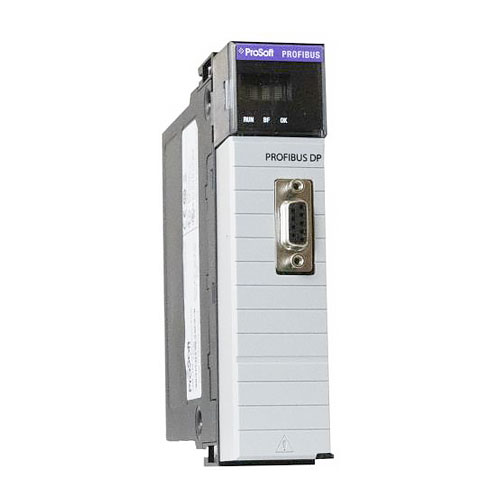
New ProSoft PLX32-EIP-PND DIN-rail Mounted Gateway

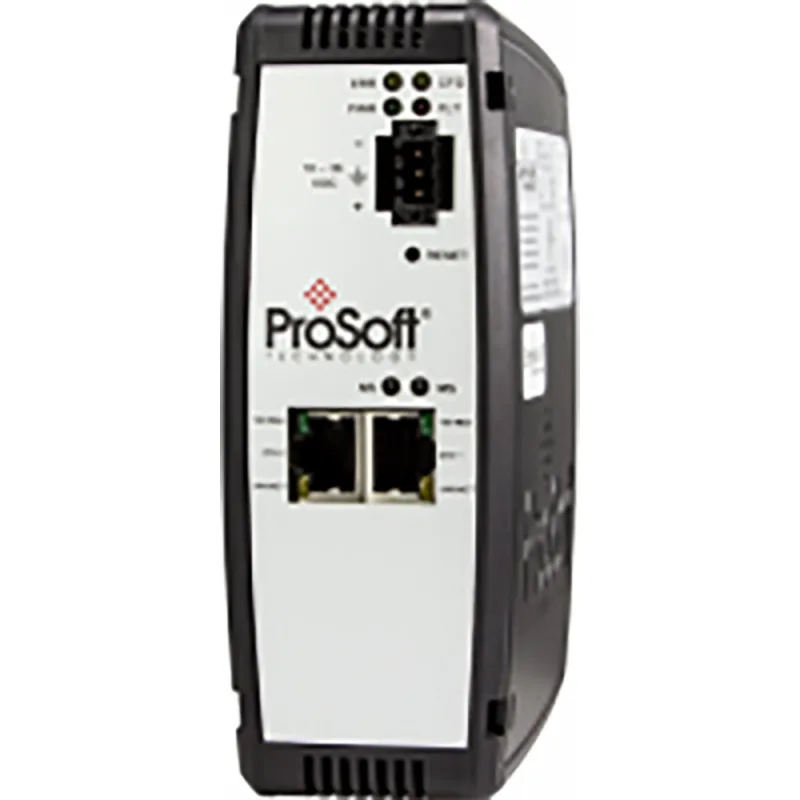
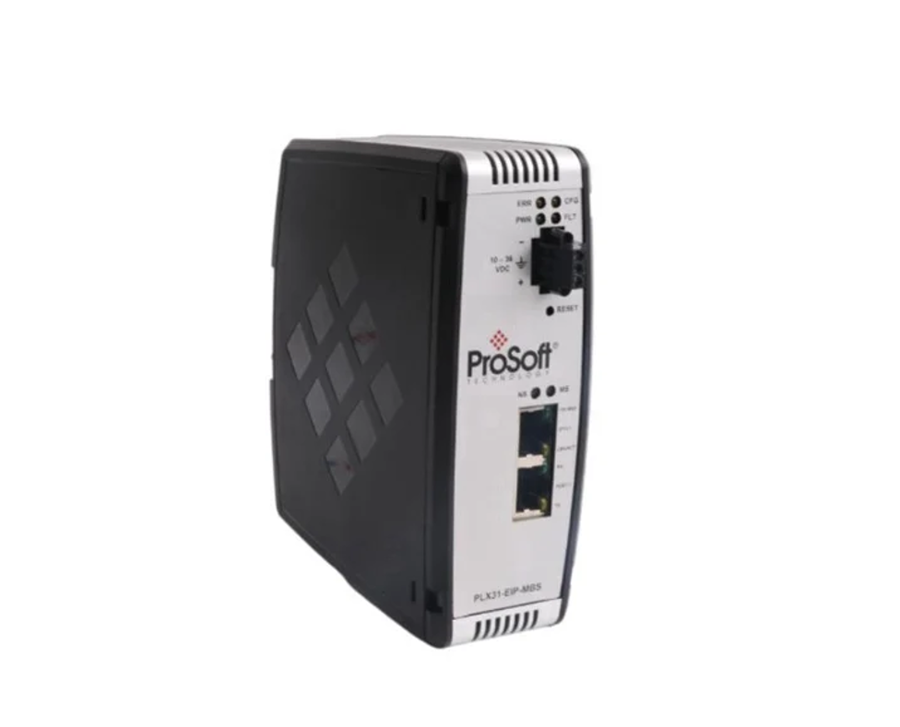
The ProSoft PLX32-EIP-PND is a stand-alone DIN-rail mounted gateway that provides bi-directional data transfers between EtherNet/IP and PROFINET networks.

  • Item nº :

    PLX32-EIP-PND
  • Pedido (MOQ) :

    1 Piece
  • Pagamento :

    EXW
  • Origem do produto :

    USA
  • Porto de embarque :

    Wuhan
  • Tempo de espera :

    3~5 days
  • Peso :

    3kg
  • Product Details


    Specification Description
    Manufacturer ProSoft Technology (Moxa Group)
    Model PLX32-EIP-PND
    Product Type EtherNet/IP to PROFINET Device Gateway
    Ethernet Ports 2 x RJ45, 10/100 Mbps, independent subnets, Auto-MDIX 
    Supported Protocols EtherNet/IP (Client/Server), PROFINET IO (Device Class A) 
    EtherNet/IP Connections 8 Class 1 I/O connections; 5 Class 3 server connections 
    EtherNet/IP I/O Size 496 bytes IN / 496 bytes OUT per connection 
    PROFINET I/O Data 1440 bytes IN / 1440 bytes OUT 
    Max RPI Time 5 ms per connection 
    Register Capacity Up to 10,000 x 16-bit registers 
    Power Supply 24 V DC nominal (10–36 V DC allowed) 
    Current Load 300 mA @ 24 V DC nominal; 610 mA max 
    Operating Temperature -25°C to +70°C (-13°F to +158°F) 
    Storage Temperature -40°C to +80°C (-40°F to +176°F) 
    Humidity 5% to 95% RH (non-condensing) 
    Shock/Vibration 15G @ 11ms (operational); 5G @ 10–150 Hz 
    Dimensions (H x W x D) 13.67 x 5.05 x 11.13 cm (5.38 x 1.99 x 4.38 in) 
    Mounting DIN Rail 
    Configuration Software ProSoft Configuration Builder (PCB); Studio 5000 EDS/AOP 
    Certifications ODVA, PROFINET v2, CE, UL, RoHS 
    SD Card Slot Yes (SD card optional) – for config backup/recovery 

    Related Product Model Recommendations


    Model Description Typical Application
    PLX32-EIP-PND (this model) EtherNet/IP ↔ PROFINET gateway, 2 Ethernet ports Rockwell ↔ Siemens cross-protocol integration 
    PLX32-EIP-SIE EtherNet/IP ↔ Siemens Industrial Ethernet gateway Communication with Siemens S7 PACs 
    PLX32-EIP-MBTCP EtherNet/IP ↔ Modbus TCP/IP gateway Rockwell ↔ Schneider Electric integration 
    PLX32-MBTCP-SIE Modbus TCP/IP ↔ Siemens Industrial Ethernet gateway Schneider ↔ Siemens S7 PAC integration 
    PLX31-EIP-MBS4 EtherNet/IP ↔ Modbus Serial gateway, 4 serial ports Multi-device serial integration 

    Payment & Delivery

    FAQs

    Q1: What is the primary function of the PLX32-EIP-PND?

    It is a protocol gateway that enables bi-directional data transfers between EtherNet/IP controllers (e.g., Allen-Bradley ControlLogix/CompactLogix) and PROFINET IO controllers (e.g., Siemens S7-1500/1200). It allows seamless communication without requiring changes to device IP addresses, using two independent Ethernet ports on separate subnets .

    Q2: How many EtherNet/IP and PROFINET connections does the gateway support?

    • EtherNet/IP: 8 Class 1 I/O connections; 5 Class 3 server connections 

    • PROFINET: Class A Device with 1440 bytes IN / 1440 bytes OUT 

    Q3: What software is required to configure the gateway?

    The gateway is configured using ProSoft Configuration Builder (PCB) software. For integration with Rockwell Automation systems, an embedded EDS Add-On Profile (AOP) allows automatic recognition in Studio 5000 and RSLogix 5000, enabling setup without ladder programming .

    Q4: Is the PLX32-EIP-PND certified for industrial networks?

    Yes. The gateway is ODVA Approved and holds PROFINET v2 certification with PROFINET Class A compliance. It has been field-tested with multiple PROFINET controllers from multiple vendors to ensure interoperability .

    Q5: What should I check if the gateway loses connection with the PROFINET controller?

    Common troubleshooting steps include:

    • Industrial-grade Ethernet connectors – Poor quality RJ45 connectors can cause intermittent connection issues with Siemens devices; use Siemens-approved connectors 

    • Network switch – Verify the switch is functioning properly and not causing packet loss 

    • Device name/IP configuration – Ensure the device name and IP address in the gateway match the TIA Portal project settings 

    • Power cycle – Unplugging and reconnecting the Ethernet cable may temporarily restore connection.

Deixe um recado
Se você estiver interessado em nossos produtos e quiser saber mais detalhes, deixe uma mensagem aqui e responderemos assim que possível.
Deixe um recado
Se você estiver interessado em nossos produtos e quiser saber mais detalhes, deixe uma mensagem aqui e responderemos assim que possível.